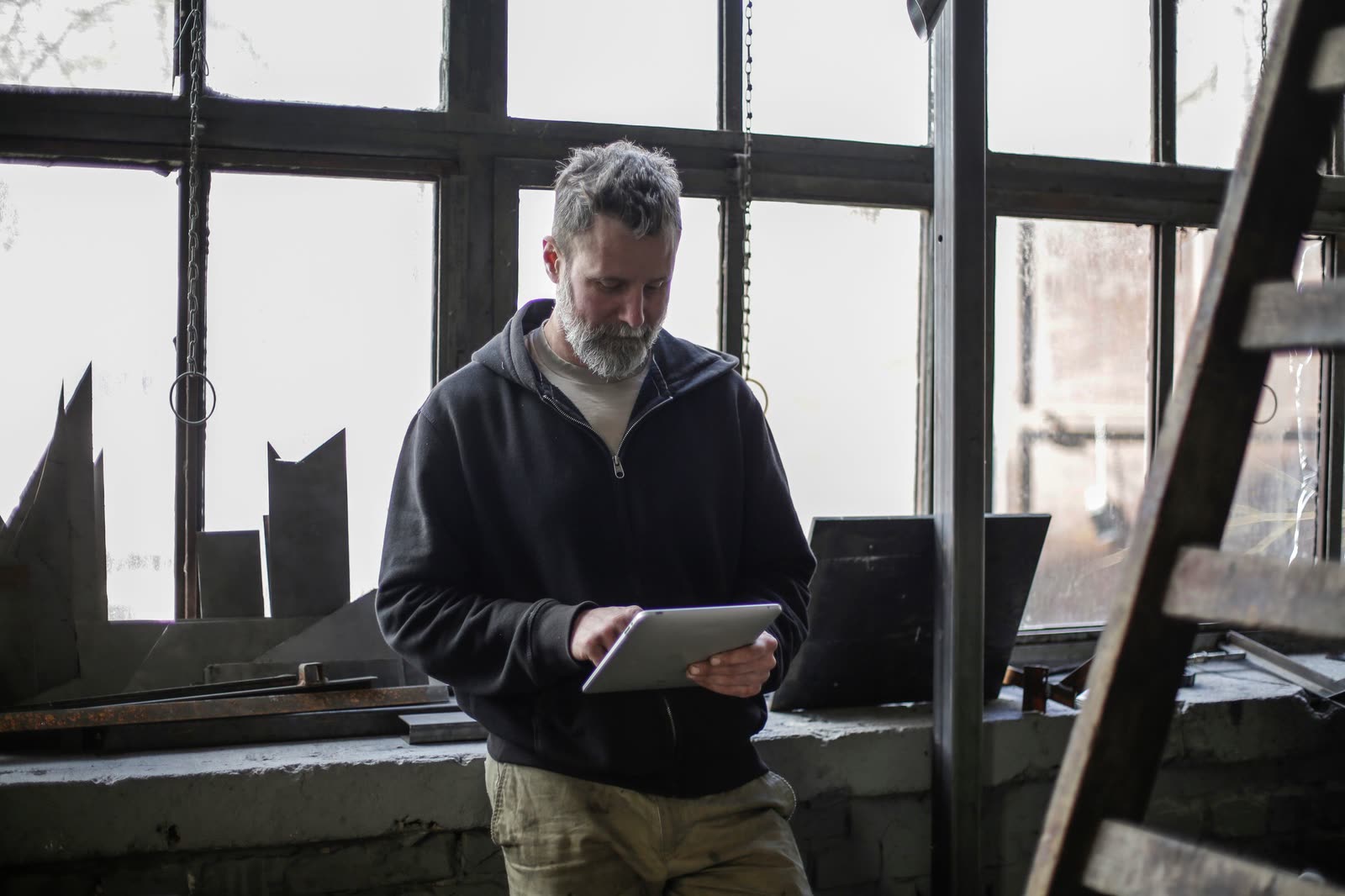
One system for the office, the engineers and your customers.
MobileWkr has two halves that work as one: a web portal where your office plans and checks the work, and a tablet app your engineers take on site. In between, it turns every visit into a signed, branded report.
See the whole day at a glance, and act on it.
The portal opens on today: what is booked, what is out on a tablet and what has come back signed. Your schedulers spend their time planning work, not hunting for it.
Today first
The job list opens on today’s work, with live counts of what is scheduled, on a tablet and signed off.
Find any job in seconds
Search by reference, customer, site or engineer, or press Ctrl K from anywhere to jump straight to a job.
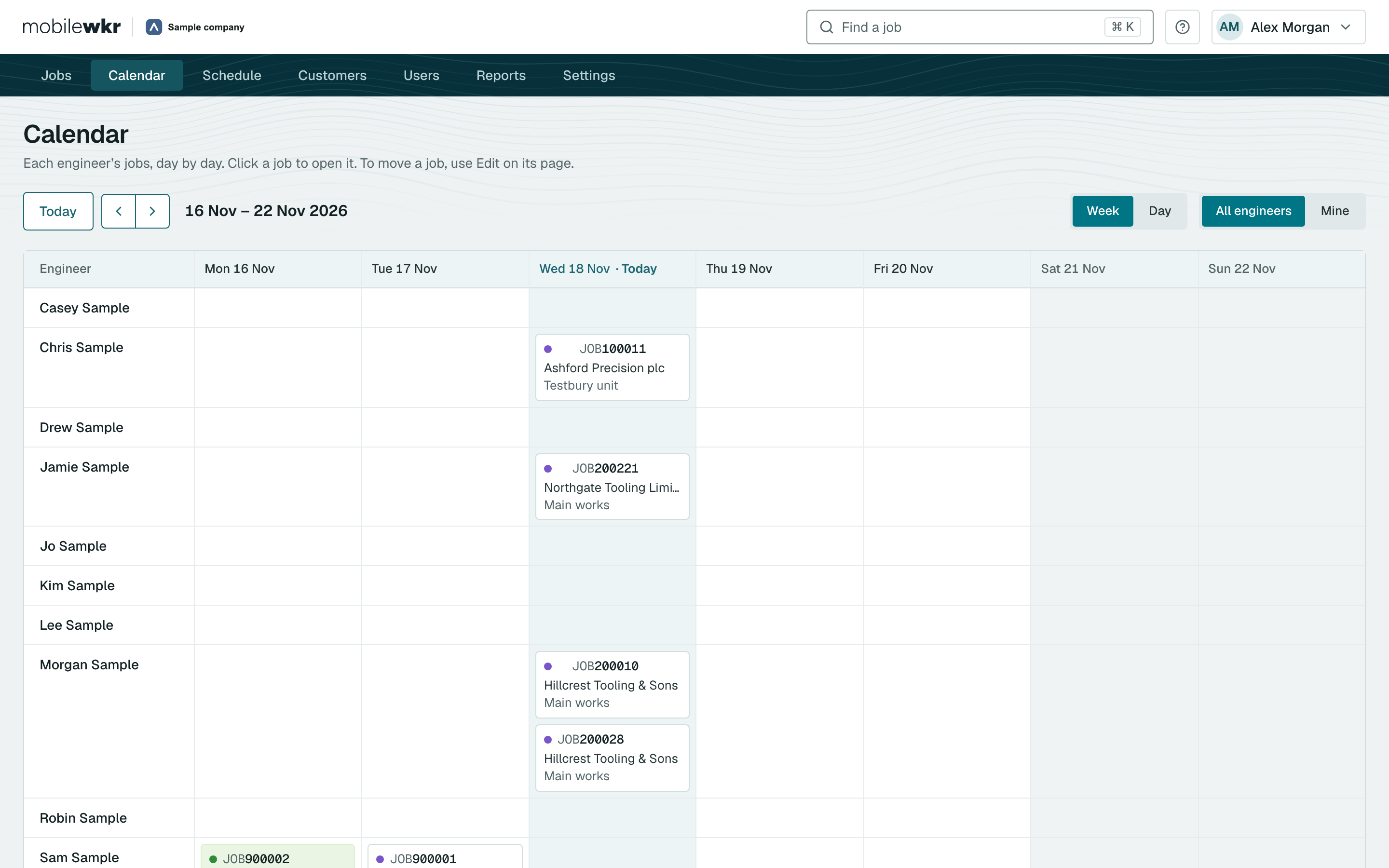
A calendar for every engineer
See the week with one row per engineer, and spot the gaps. Optional.
Teams on bigger jobs
Put a lead engineer and others on the same job. Optional.
Live, without refreshing
The job list and the open job update by themselves as engineers send their work in.
Safe changes
Edit, resend forms, re-open or bin a job, with a reason recorded and an undo when you need it.

Examination and Testing of Local Exhaust Ventilation to HSG258
An app built for the plant room, not the office.
Engineers get their jobs on an Android tablet, with your forms laid out the way they work. No signal needed. Everything they enter goes straight into the report, exactly as typed.
Works with no signal
Open jobs, complete forms and collect signatures offline. The job is sent when the tablet is back in range.
Your forms
Readings, pass and fail checks, drop-down lists, notes and standard phrases, set up to match your paperwork.
Photos with captions
Taken on the tablet, captioned by the engineer and placed in the right spot in the report.
Signatures on the glass
The engineer and your customer sign on the tablet. Each form records who signed, when and where.
Nothing lost, nothing doubled
If a tablet sends a job twice, nothing is doubled and nothing is lost.
Time and place of sign-off
Recorded automatically, so the office can see exactly when and where a form was signed.
The report writes itself. In your layout.
The moment a job is signed off, MobileWkr builds the final PDF for every form on it, with your logo and your layout. It can email them to the people you choose, and your office can send a whole job, or a whole week of jobs, in one download.
Stonebridge Machining Group
Main works, 50 Mock Avenue
Demoport ZZ91 4ZZ
| Service Date: | 18 Nov 2026 |
| Customer Order No: | PO-300145 |
| Document No: | JOB200145 |
| Contact: | Lee Garner |
| Manufacturer Location | Model | Serial No. | Machine | Air Velocity m/s | Pressure Pa | Face Velocity m/s | Recommended Service Interval |
|---|---|---|---|---|---|---|---|
| Filtration unit Bay 6, cell 1 | AX400 | SN23918 | Machining centre 200 | 11.9 | 670 | 0.63 | 6 months |
| Filtration unit Bay 6, cell 2 | AX400 | SN23921 | Machining centre 200 | 12.4 | 655 | 0.66 | 6 months |
Pre-filter changed on both units. Units running well. Customer asked for a quote for a second unit.
We the customer hereby confirm that the service engineer has completed all work satisfactorily and that all the units listed above are fully functioning.
Built at sign-off
No one in the office types anything up. The PDF is ready as soon as the job is signed off.
Your layout, your logo
We design your PDF layouts with you, so your reports and certificates still look like yours.
One download per job
Every PDF on a job in one file. Or tick many jobs in the list and download them all together.
Emails on sign-off
MobileWkr emails the people you choose when a job is signed off, so nobody has to remember.
Management reports
Jobs completed, units serviced, engineer activity and contractor days, with a CSV download.
A full job history
Every change to a job is kept: who did what, and when. Useful when a customer asks.
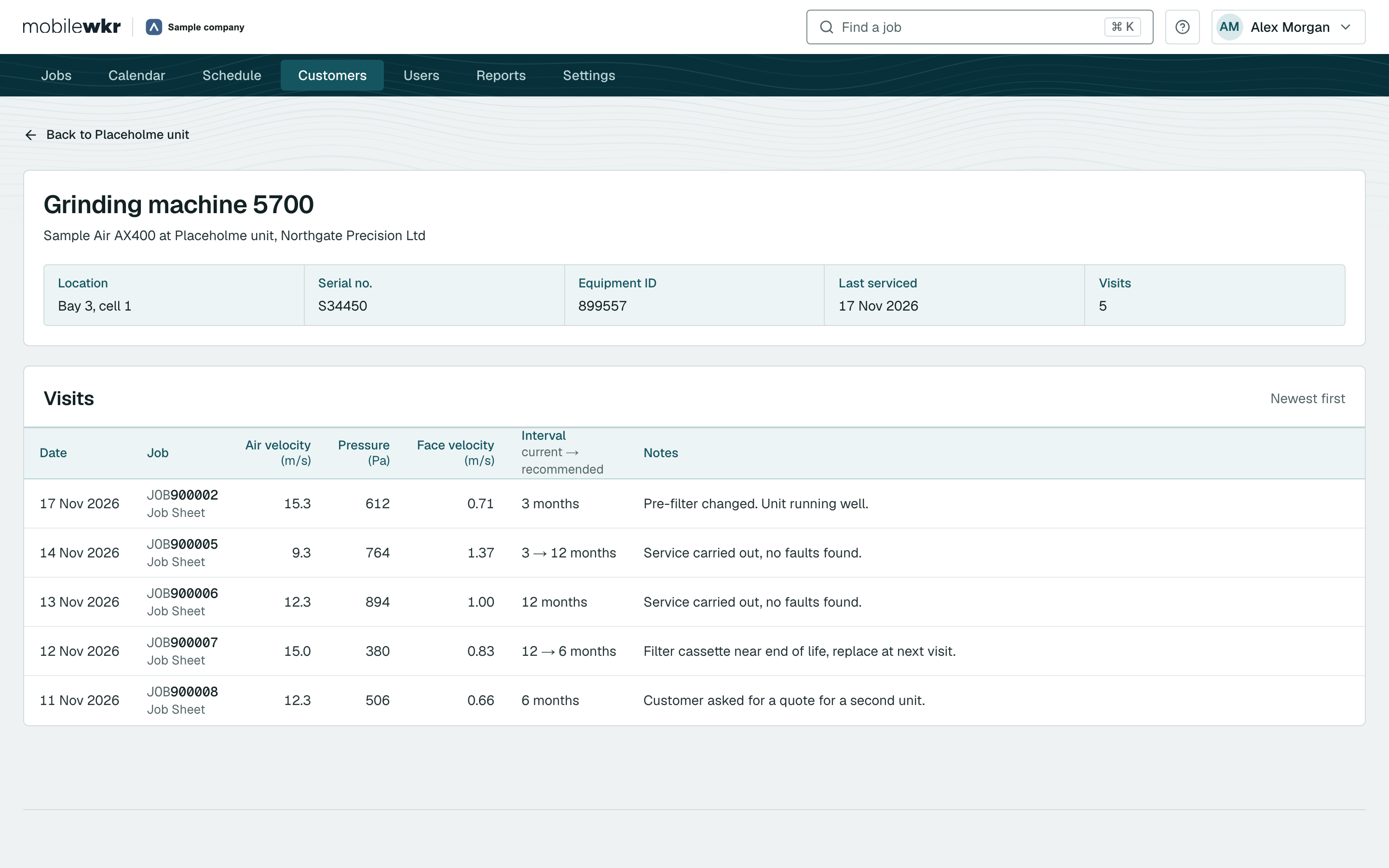
Every machine keeps its history.
Every visit to a machine is kept with its readings and notes, newest first. Open a machine and compare today with last year, or open a customer and see every site, every open job and the next visit.
We build the link to the system you already run.
Your ERP or accounts system stays in charge of customers, quotations and invoicing. MobileWkr fits around it, so nobody keys the same job in twice.
- Quotations in. Open quotations from your system appear in MobileWkr, ready to schedule.
- Customers, sites and machines in sync. Your system stays the source of truth.
- Approved results out. Once the office has checked a signed-off job, its results go back to your system.
- Your history comes too. We can bring years of job records across from your current system.
Product questions.
Can’t see yours? Ask us in the demo.
Does the app work without a signal?
Yes. The MobileWkr tablet app works fully offline. Engineers can open jobs, complete forms, take photos and collect signatures with no connection, and the app sends everything when the tablet is back in range. If a job is sent twice, nothing is doubled and nothing is lost.
What devices do engineers use?
Engineers use the MobileWkr app on Android tablets. The office uses the web portal in any modern browser on a PC or laptop.
Can our customers sign on the tablet?
Yes. The engineer and your customer sign on the tablet. Each form records who signed it, when, and where, and the signatures appear on the final PDF.
Can we use our own forms and certificates?
Yes. We build your forms and your PDF layouts for you, with your logo, so the reports your customers receive look like yours. You do not have to design anything in a form builder.
When are the PDF reports ready?
As soon as the job is signed off on the tablet and the tablet has a signal. MobileWkr builds the final PDF for each form automatically and can email it to the people you choose.
Can we see the history of a machine or asset?
Yes. Every machine keeps its full visit history, newest first, with the readings and notes from each visit, so you can compare its condition with earlier visits.
Does MobileWkr connect to our ERP or accounts system?
Yes, we build the link to your system. For example, open quotations can come into MobileWkr ready to schedule, and approved results can go back once the office has checked them. Tell us what you use and we will talk it through in the demo.
See MobileWkr with your own forms.
Send us one of your forms before the call and we will show it to you on the tablet, finished as a signed PDF. No hard sell, just an honest look at whether it fits.
- A 30-minute call, at a time that suits you
- The office portal and the tablet app, live
- Bring your team: the more questions, the better