LOLER examinations, recorded once and reported the same day.
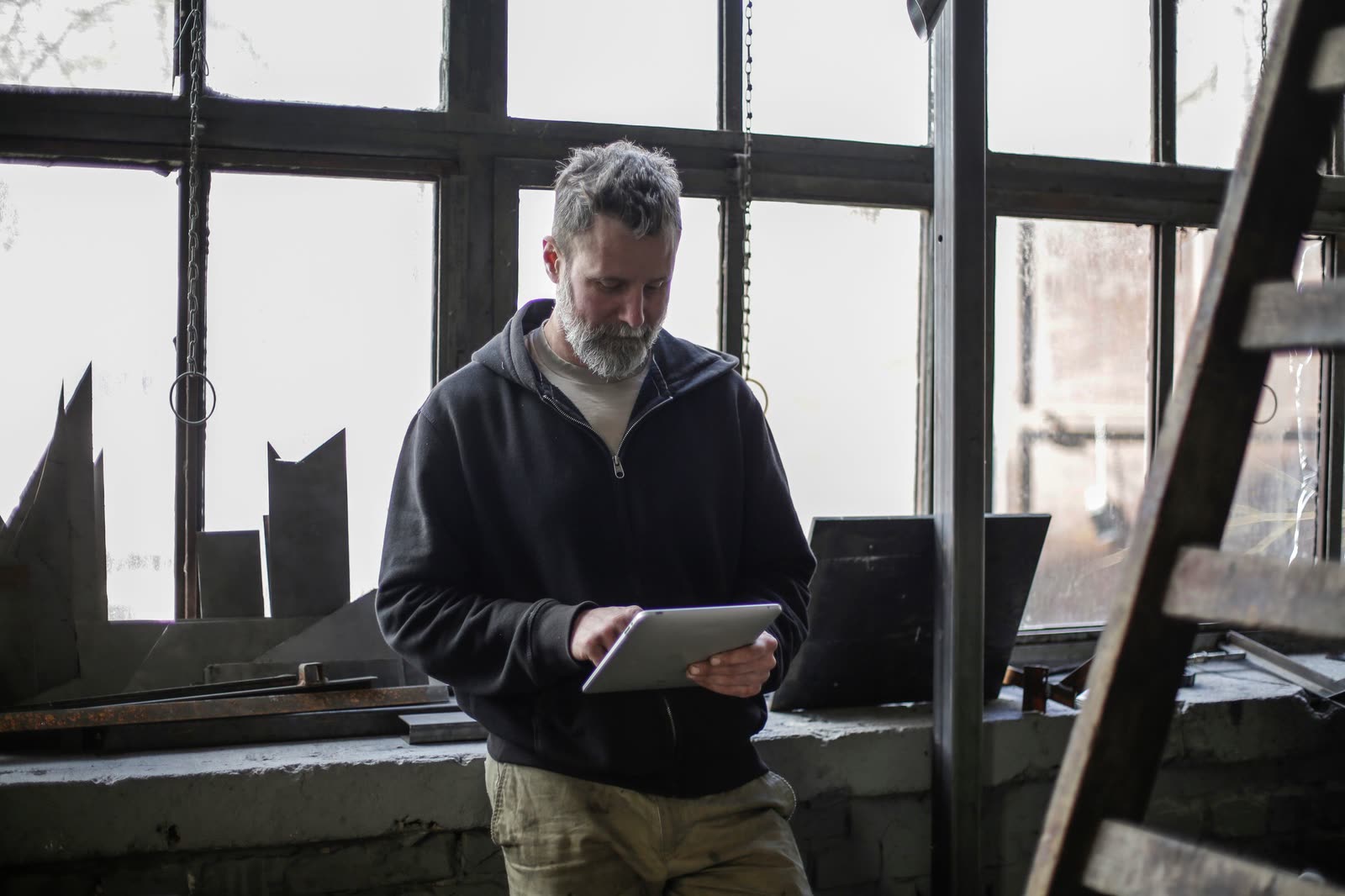
A thorough examination might cover one overhead crane or three hundred slings and shackles. MobileWkr gives your engineers a fast way to work through every item on the tablet, and gives your customer a signed report before the end of the day.
- Thorough examinations
- Inspections between examinations
- Load testing
- Defect reporting
- Repairs and remedial work
The rules, in brief
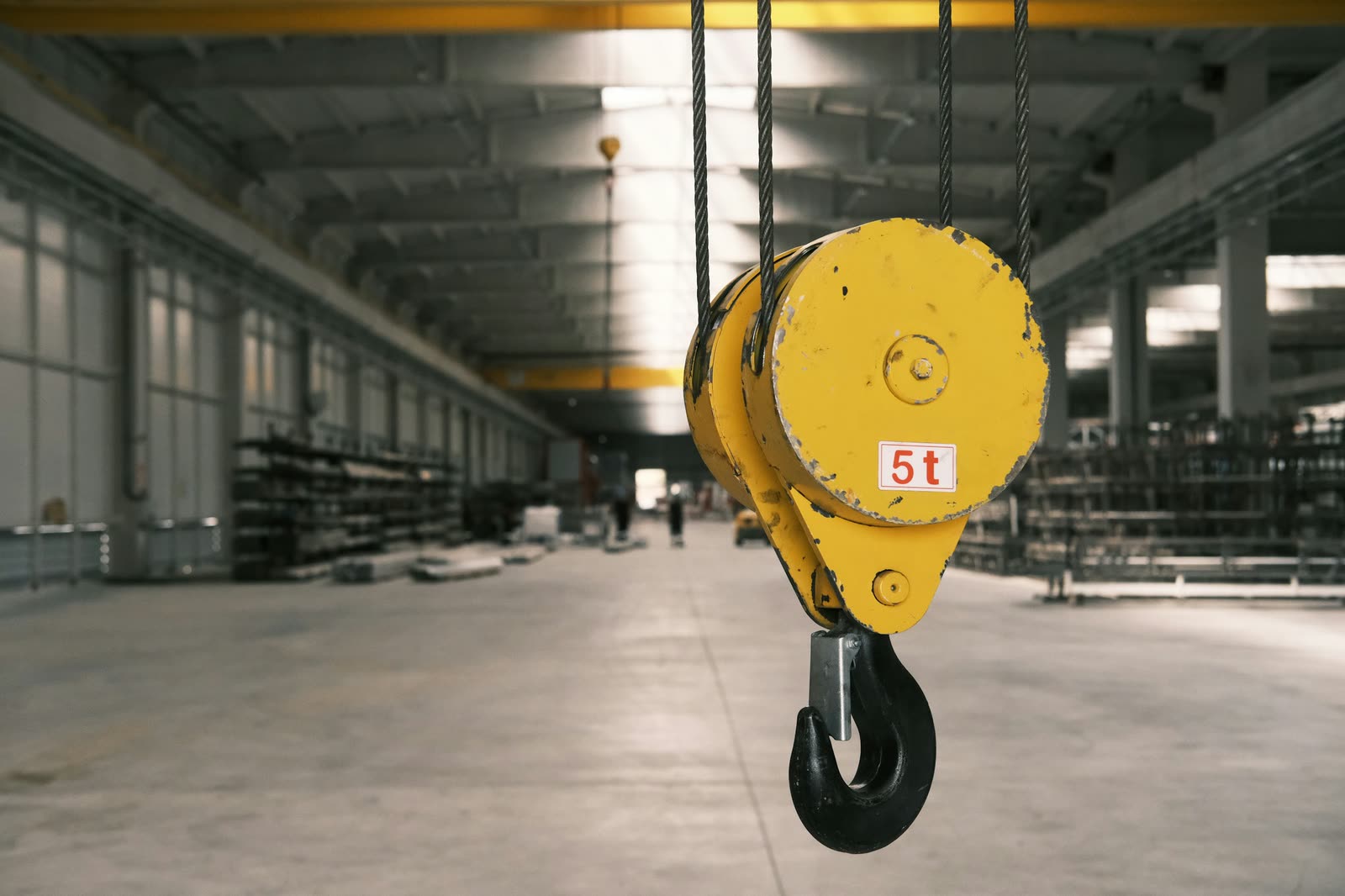
LOLER 1998 requires lifting equipment to be thoroughly examined by a competent person: at least every six months for accessories and equipment used to lift people, at least every twelve months for other lifting equipment, or in line with an examination scheme.
Each examination needs a written report, and some defects must be reported straight away. MobileWkr records the examiner's findings item by item and produces the signed report in your layout.
What your engineers record
- Each item's identification, safe working load and location
- The type of examination and the result, item by item
- Defects found, how urgent they are, and the action required
- Photos of defects and identification marks
- The date of the next examination
- Engineer and customer signatures, with the time and place of sign-off
Less time on paperwork. More confidence in every report.
Every item, its own history
Search an item and see every examination it has had, with the defects found and fixed.
Reports the same day
The report is built the moment the job is signed off, so your customer is not waiting a week for paperwork.
Defects that do not get lost
Findings are recorded against the item with photos, so the office can quote for remedial work straight away.
From booking to signed report, in five steps.
Every step happens in MobileWkr, so nothing is copied from one place to another.
- The office schedules the examination from the customer's equipment register.
- On site, the engineer works through each item on the tablet.
- Defects are photographed and recorded against the item.
- The engineer and the customer sign off on the tablet.
- The signed report is built and emailed, ready to send to the customer.
Common questions.
Ask us anything else in the demo.
Can MobileWkr produce LOLER thorough examination reports?
Yes. We set up your examination form and report layout so the engineer records each item's findings on the tablet, and MobileWkr builds the signed report when the job is signed off.
Can we keep a history for each piece of lifting equipment?
Yes. Every item keeps its examination history across visits, newest first, so you and your customer can see what was found and when.
Other industries
LEV testing and extraction
HSG258 thorough examinations, service visits and installs for dust, fume and oil mist extraction.
CHP and energy servicing
Engine servicing, method statements, risk assessments and waste transfer notes for combined heat and power.
Pressure systems and compressed air
Examinations to a written scheme, compressor servicing and pressure vessel records.
HVAC and building services
Planned maintenance, F-gas leak checks and service reports for building plant.
Show us your report. We’ll show you it finished.
Send us a blank copy of the form your engineers use today. In the demo we will show it to you on the tablet, and as the signed PDF your customer receives.
- A 30-minute call, at a time that suits you
- The office portal and the tablet app, live
- Bring your team: the more questions, the better