

Every job signed off before the van leaves site.

MobileWkr is field service management software that puts your own forms on your engineers’ tablets, with or without a signal, and the signed report in front of your office the moment the work is done. No typing up, no chasing signatures, no lost paperwork.

  • Works with no signal
  • Your forms, built for you
  • Hosted in the UK

From fume extraction to combined heat and power, engineering service teams run their field work on MobileWkr.

Filtermist customer storyCentrica Business Solutions customer story

Paperwork shouldn’t be the slowest part of the job.

Most service businesses finish every job twice: once on site, and again when someone types up the notes back at the office. That second job is where the delays, the mistakes and the missing signatures creep in. MobileWkr gets rid of it.

Finished on site

Engineers complete the real report beside the machine, not a scribbled sheet for someone else to decipher later.

With the office the same day

The signed PDF is built the moment the job is signed off, and emailed to the people you choose. Invoice sooner, answer customers faster.

On record for good

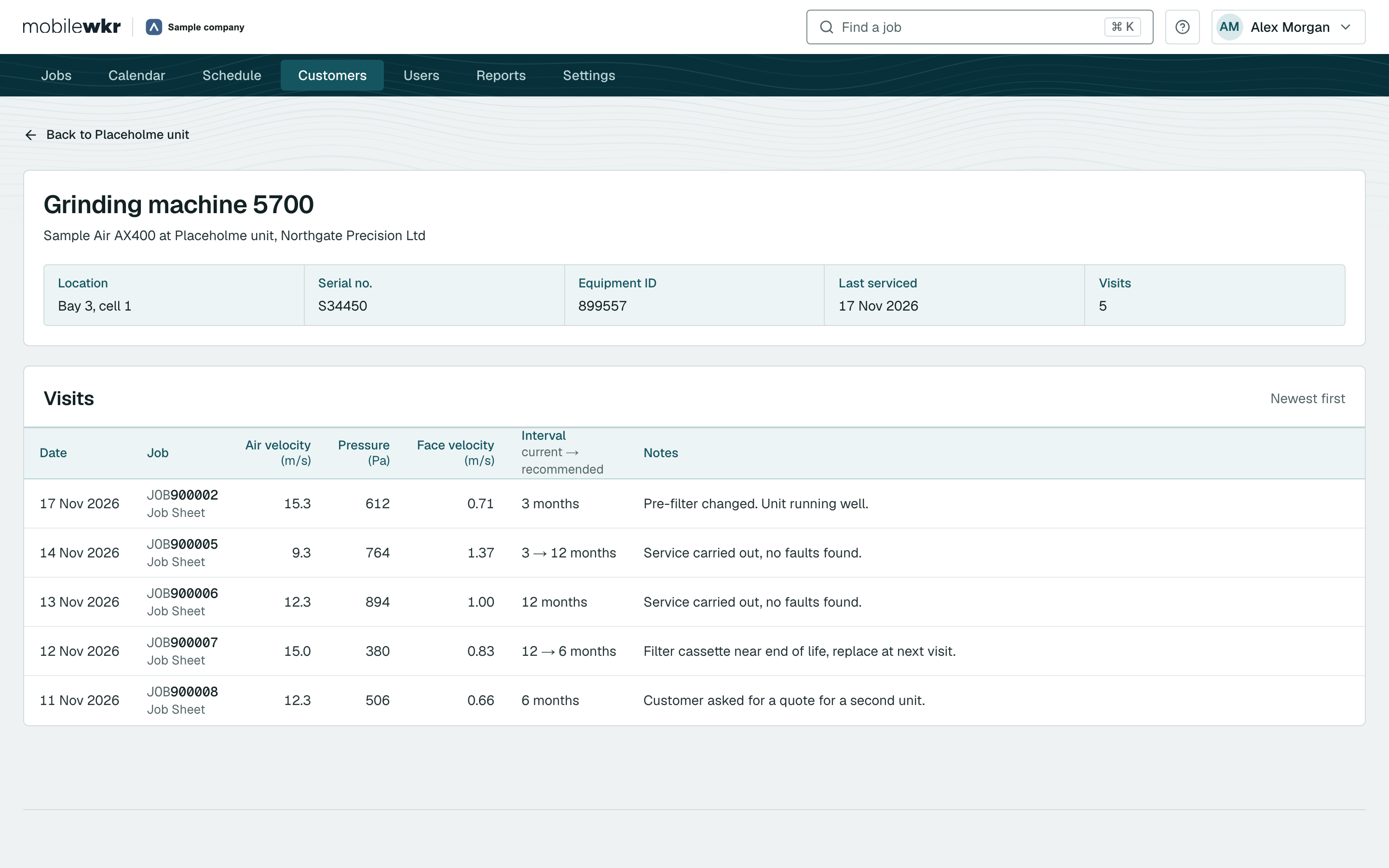
Every visit, reading, photo and signature is kept against the customer, the site and the machine, ready for the next visit or the next audit.

One job, from booking to signed report.

Follow a single service visit through MobileWkr: planned in the office, completed on site, signed by your customer and filed before the engineer reaches the next job.

1 Plan

Plan the day from one screen

The job list opens on today: what is booked, what is out on a tablet and what has already come back signed. Turn a quotation into a job, pick the engineer and the day, and the job is on their tablet.

  • Today first. Live counts of what is scheduled, on a tablet and signed off.
  • Every engineer’s week on one calendar.
  • Bigger jobs with a lead engineer and a team.
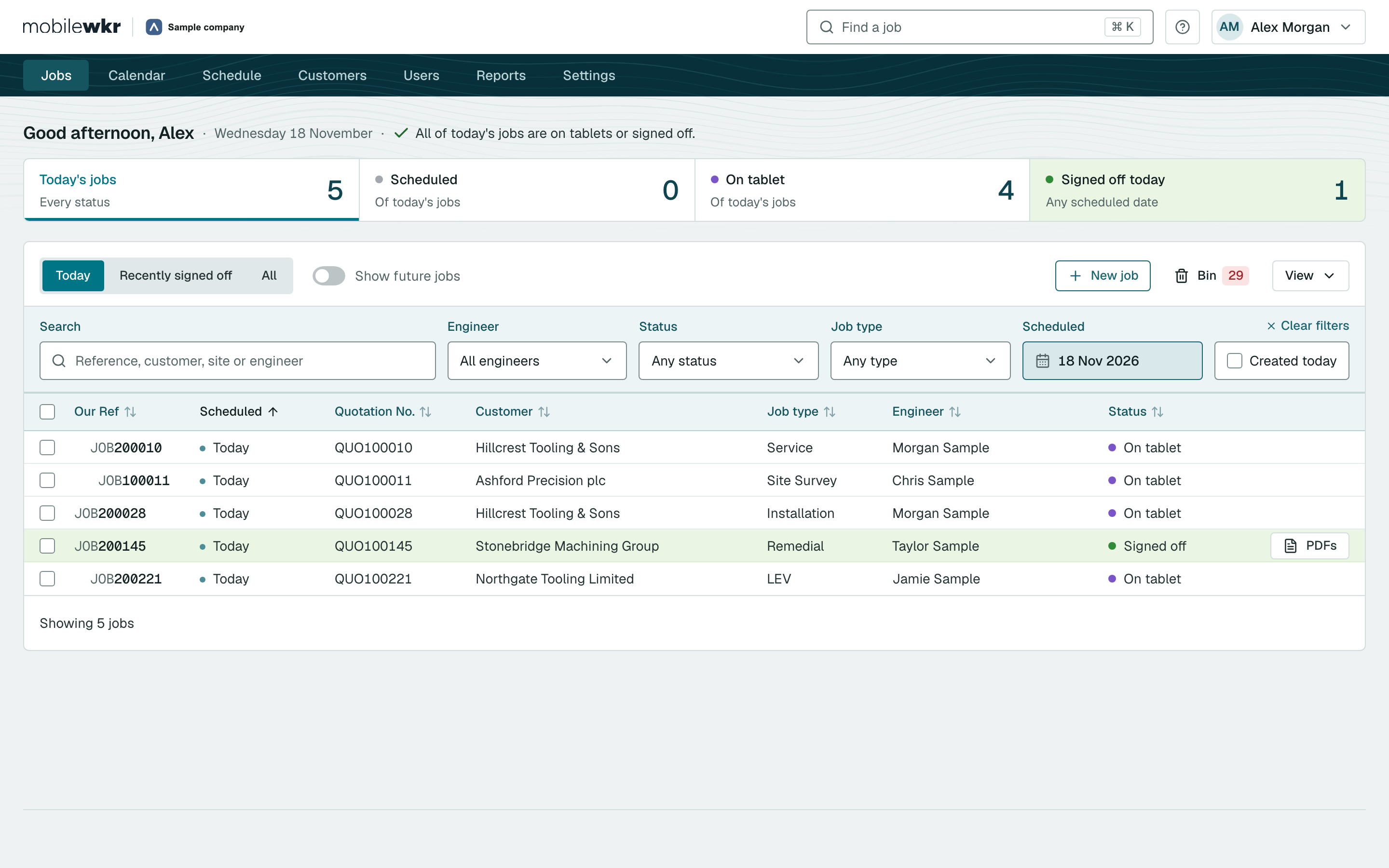
The job list in the office portal, opening on today’s totals: four jobs on a tablet and one signed off
Today’s jobs in the job list, each with its reference, quotation number and customer

2 Visit

Your forms, on site, signal or not

Your engineers open the job on an Android tablet and work through your own forms: readings, checks, notes and photos, each typed once, beside the machine. In a basement plant room with no signal, nothing changes.

  • Works offline. The job is sent as soon as the tablet is back in range.
  • Photos with captions, placed straight into the report.
  • Nothing lost, nothing doubled, even if a job is sent twice.
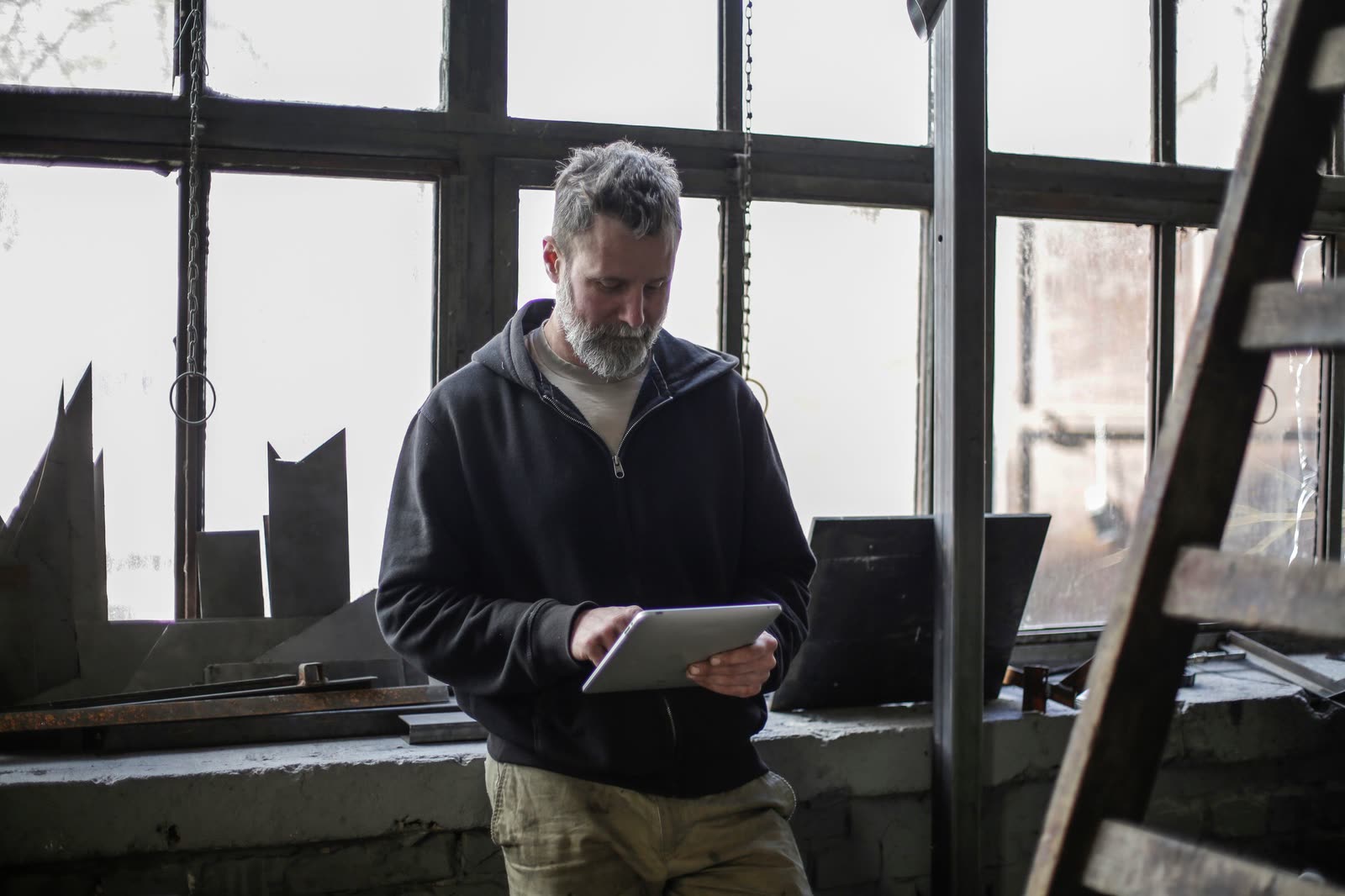
A field engineer using a tablet on site

3 Sign off

Signed by your engineer and your customer

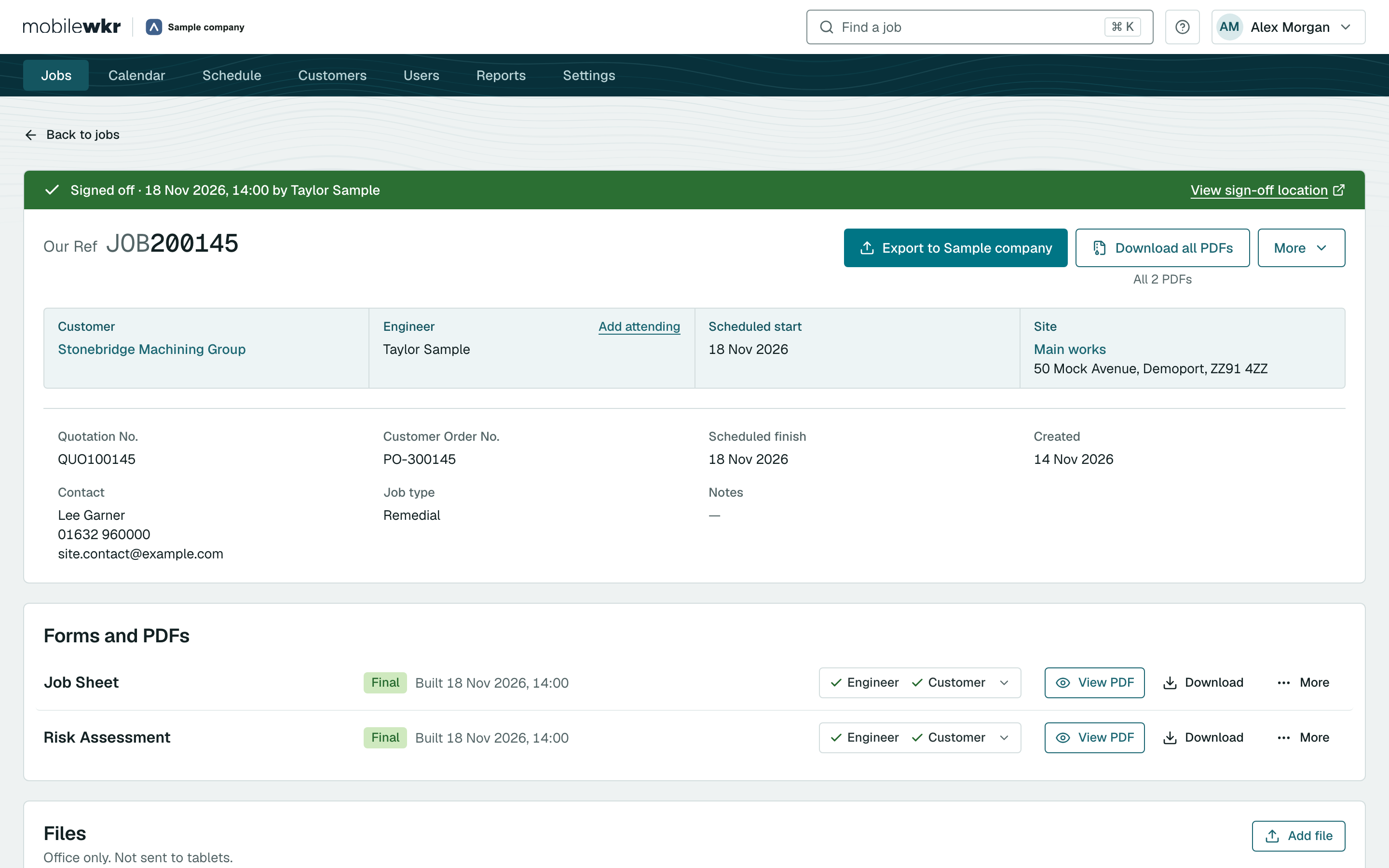
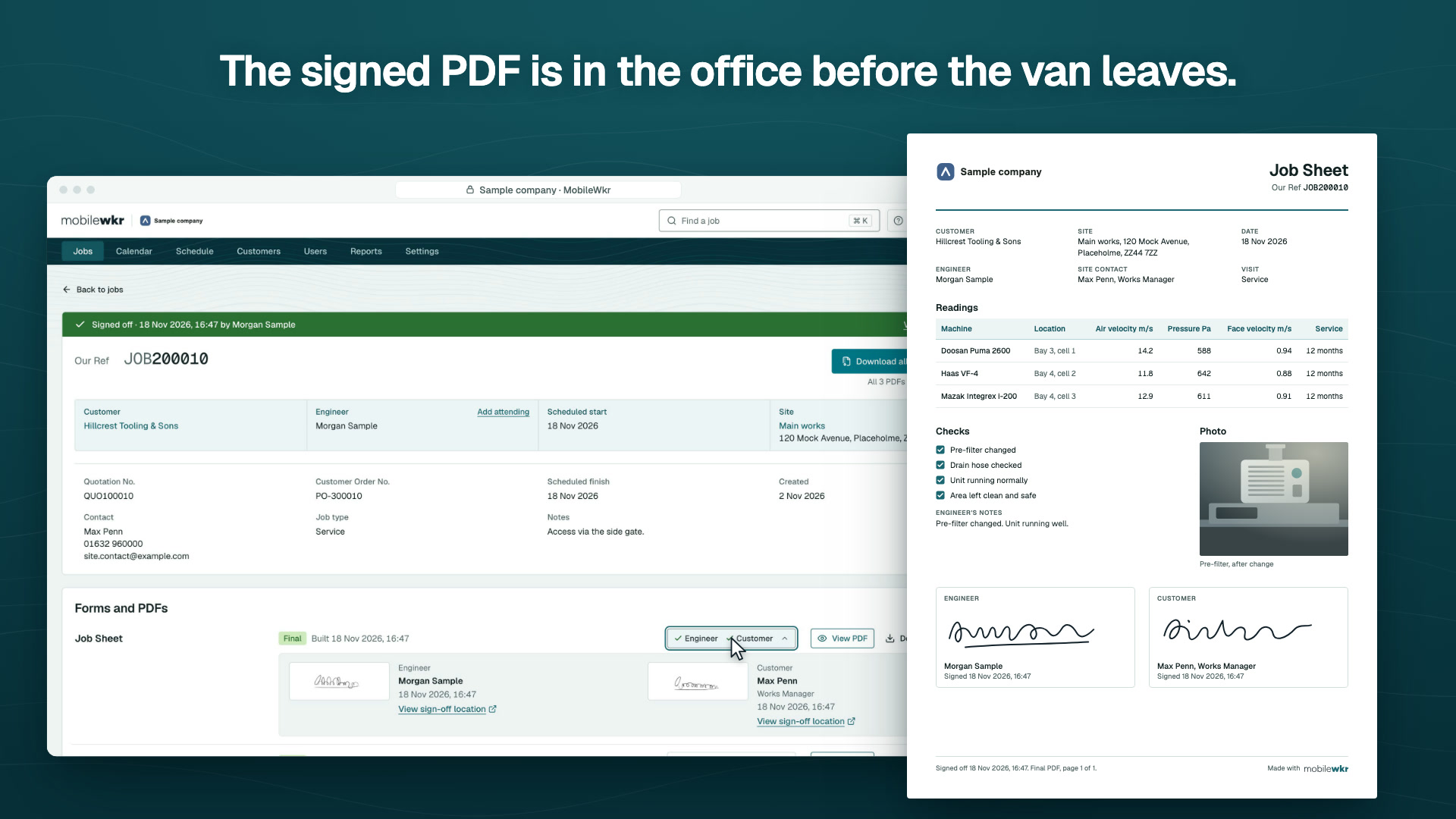
When the work is done, the engineer and the customer sign on the tablet. Back in the office, the job turns green, with the time of sign-off and where it happened.

  • Who signed each form, and when.
  • Place of sign-off, one click away on a map.
  • An email on sign-off to the people you choose.
A signed-off job in the portal: a green bar shows it was signed off on 18 Nov 2026 at 14:00

Signed off

4 Report

A finished report, in your own layout

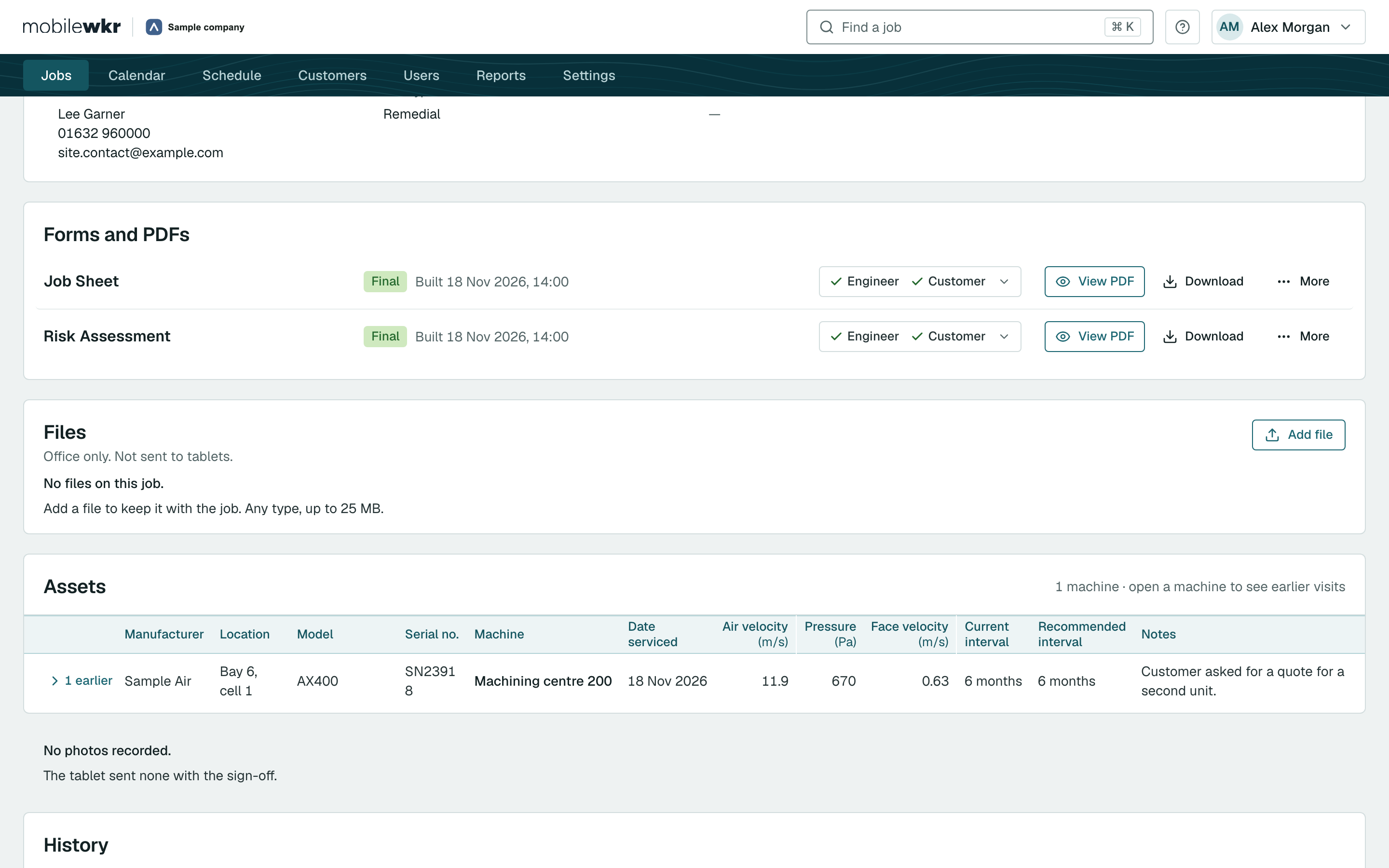
MobileWkr builds the final PDF for every form as soon as the job is signed off, with your logo, your layout and the engineer’s readings exactly as they were entered. Download a whole job, or a whole week, in one go.

  • Your layout, designed for you, with your logo.
  • One download for every PDF on a job.
  • Many jobs at once: tick them, download them.
The Forms and PDFs panel of a job, with a Job Sheet and a Risk Assessment both marked Final

Trusted where the paperwork really matters.

See how service teams in extraction and energy use MobileWkr to finish the job on site.

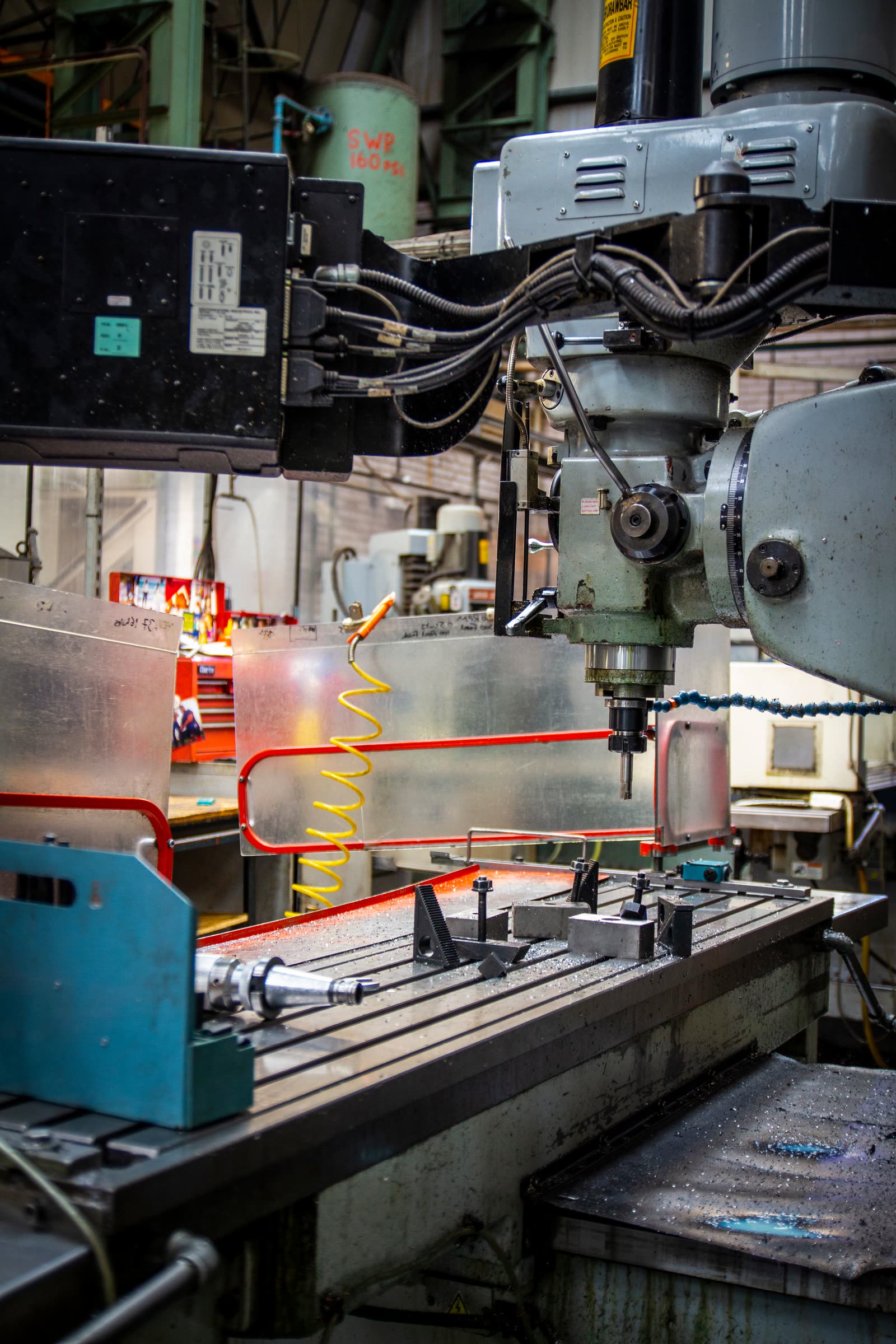
A milling machine in a busy machine shop

700%growth in the service side of Filtermist's business, with MobileWkr running its field work.

How Filtermist grew its service business on MobileWkr.

Read the Filtermist story

Your forms, not a form builder.

Send us the paperwork you use today: job sheets, test reports, risk assessments, certificates. We build it in MobileWkr, design the PDFs to match your layout and logo, and test it with you before your engineers ever see it.

  • Your reports still look like yours. Your customers notice the speed, not the software.
  • Your history comes with you. We have moved years of job records into MobileWkr before.
  • Your systems stay in charge. We link MobileWkr to the ERP you already run.
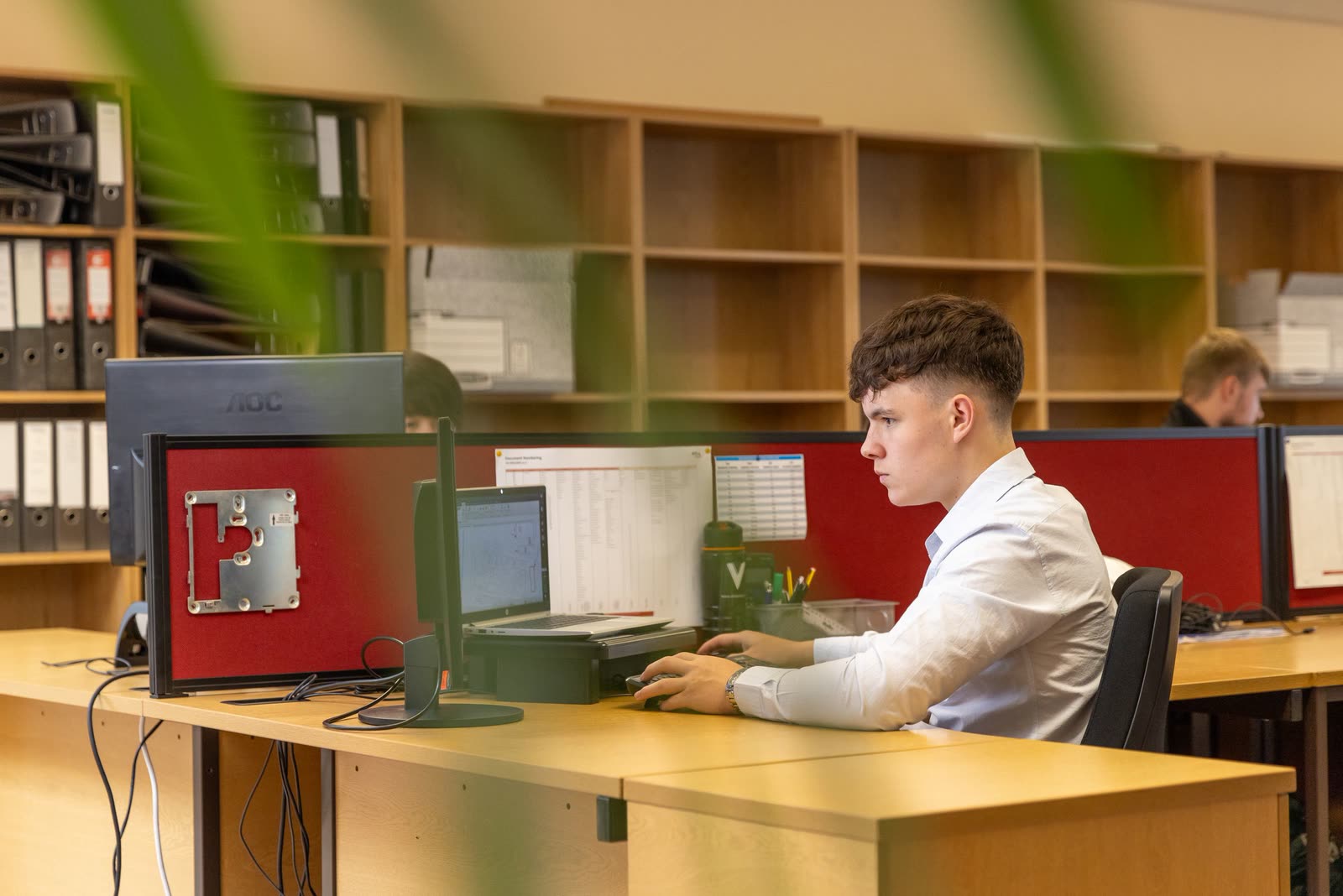
A service coordinator planning work at a desk

Your data stays in the UK, in an environment of its own.

Your job records are your customers’ records too. We treat them that way.

How we look after your data

Hosted in the UK

MobileWkr runs on Microsoft Azure in the UK South region.

Your own environment

Each customer has a dedicated environment and database, not a shared one.

Roles and permissions

Engineers, office users and administrators each see only what they need.

Every change recorded

Each job keeps a full history of who changed what, and when.

Questions we hear a lot.

Anything else, ask us in the demo.

All questions

What is MobileWkr?

MobileWkr is field service management software for engineering service companies. Your office plans jobs in a web portal, your engineers complete your forms on a tablet on site, and the signed PDF reports come straight back to the office when the job is signed off.

Who is MobileWkr for?

Service, inspection and testing companies whose engineers finish every visit with a signed form: LEV testing and extraction servicing, CHP and energy servicing, lifting equipment inspection, pressure systems, HVAC and building services. It suits teams from a handful of engineers to large national service operations.

How much does MobileWkr cost?

Pricing depends on the size of your team and the forms and links to other systems you need. Book a demo and we will give you a quote that fits how you work.

Does the app work without a signal?

Yes. The MobileWkr tablet app works fully offline. Engineers can open jobs, complete forms, take photos and collect signatures with no connection, and the app sends everything when the tablet is back in range. If a job is sent twice, nothing is doubled and nothing is lost.

Can we use our own forms and certificates?

Yes. We build your forms and your PDF layouts for you, with your logo, so the reports your customers receive look like yours. You do not have to design anything in a form builder.

Does MobileWkr connect to our ERP or accounts system?

Yes, we build the link to your system. For example, open quotations can come into MobileWkr ready to schedule, and approved results can go back once the office has checked them. Tell us what you use and we will talk it through in the demo.

Where is our data stored?

In the UK. MobileWkr runs on Microsoft Azure in the UK South region, and each customer has its own dedicated environment and database.

See MobileWkr with your own forms.

Send us one of your forms before the call and we will show it to you on the tablet, finished as a signed PDF. No hard sell, just an honest look at whether it fits.

  • A 30-minute call, at a time that suits you
  • The office portal and the tablet app, live
  • Bring your team: the more questions, the better
An engineer checking equipment on site