Centrica Business Solutions
Keeping combined heat and power running, with the paperwork done on site.
Engine servicing for combined heat and power, with method statements and waste transfer notes.
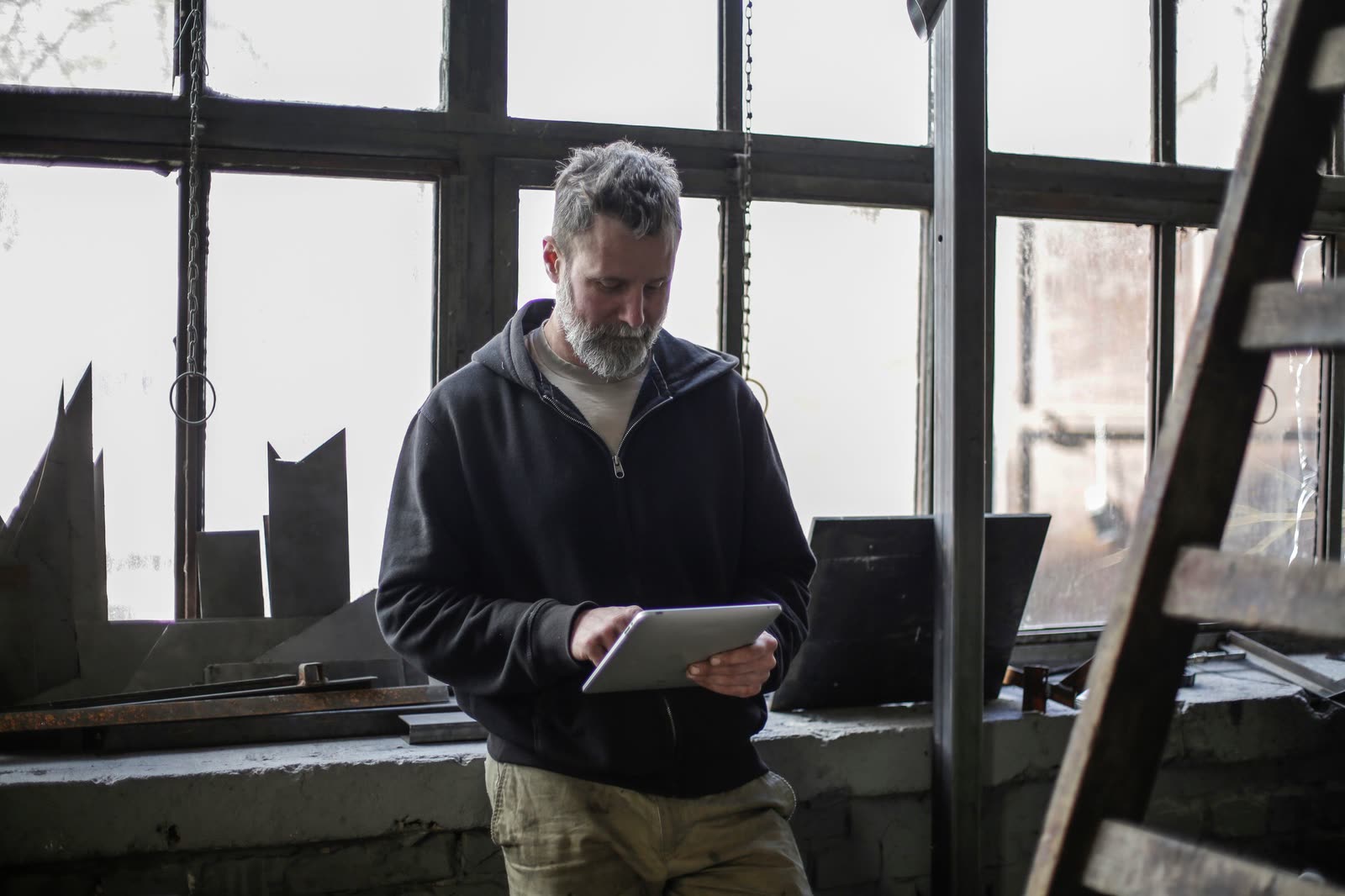
Read the Centrica Business Solutions storyA CHP service visit comes with a stack of paper: the method statement, the risk assessment, the service record and, more often than not, a waste transfer note. MobileWkr puts all of it on one tablet and sends the signed set to the office the moment the engineer is done.
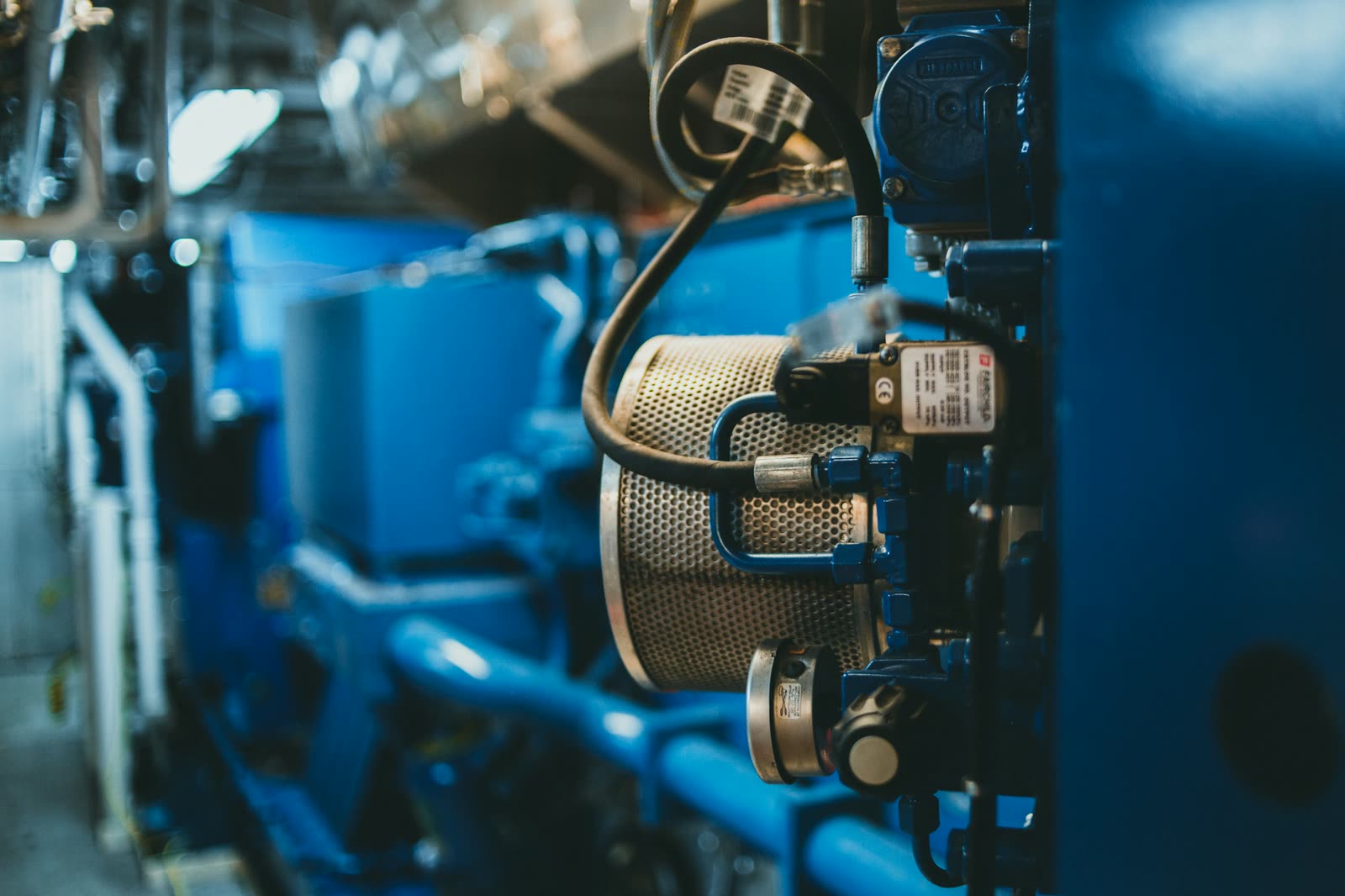
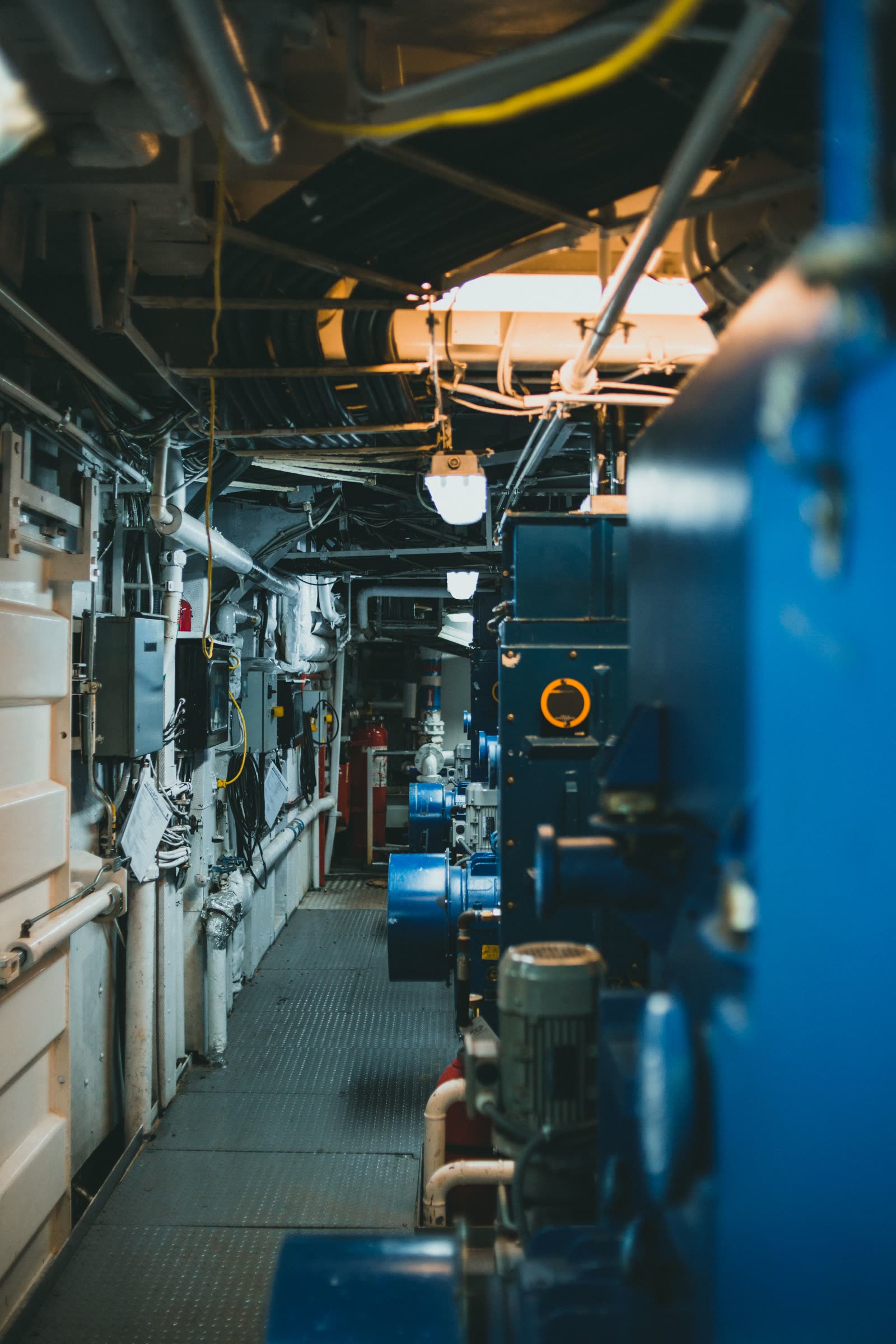
Service work on gas engines and plant is safety-critical and closely audited. Your customers expect a method statement and risk assessment for the work, a clear record of what was done, and proper paperwork for any waste taken away.
Waste carriers have a legal duty of care for the waste they move, and waste transfer notes are part of how that is shown. MobileWkr makes sure the right forms are completed and signed on every visit, and keeps them together with the job.
Basements and plant rooms rarely have signal. The app does not need it, and sends everything as soon as the tablet is back in range.
Each job carries the forms it needs, so a missing method statement or unsigned waste note is spotted before the engineer leaves.
Each unit keeps its service record across visits, so the next engineer arrives knowing what was done last time.
Every step happens in MobileWkr, so nothing is copied from one place to another.
Centrica Business Solutions
Engine servicing for combined heat and power, with method statements and waste transfer notes.
Read the Centrica Business Solutions storyAsk us anything else in the demo.
Yes. We set up your RAMS forms on the tablet so they are completed and signed on site, and they are kept with the job alongside the service record.
Yes. Waste transfer notes can be part of the job's forms, completed and signed on the tablet when waste is removed, and built into a PDF with the rest of the paperwork.
Yes. The app is built to work offline. Engineers can complete and sign every form with no connection, and the job is sent when the tablet is back in range.
HSG258 thorough examinations, service visits and installs for dust, fume and oil mist extraction.
LOLER thorough examinations, with a history for every crane, hoist and accessory.
Examinations to a written scheme, compressor servicing and pressure vessel records.
Planned maintenance, F-gas leak checks and service reports for building plant.
Send us a blank copy of the form your engineers use today. In the demo we will show it to you on the tablet, and as the signed PDF your customer receives.